
YOUR MUSIC STUDIO. IN YOUR BROWSER.
Every sound
starts with you.
Start with a few piano keys. Turn an idea into a tune. Find your next mix, or give a song your own voice. There’s a room for whatever you want to make.
No installation. Play with touch, mouse or keyboard.


FOUR WAYS TO MAKE MUSIC
Pick a place to start.
Play an instrument, bring your own audio, or try an original demo. Choose a room and make it yours.
Play instruments
Find your sound among 30 instruments. Play with touch, mouse or keyboard.
Compose a melody
Write editable notes, layer recordings, and save an arrangement you can return to.
Mix tracks
Blend two decks with cues and loops. Keep the pitch when matching tempo.
Sing karaoke
Bring a backing track, find a comfortable key, and record your voice.
MAKE SOMETHING YOU CAN KEEP
A little guidance. A new idea.
Eight notes. Your first arrangement.
Play a short original piano phrase, rebuild it as editable notes, change its ending and save both a finished WAV and an editable Resonant arrangement.
Read the guide Keep the mix you heard · 6 MIN READKeep the mix you heard.
Try a Neon Meridian crossfader experiment to understand live DJ recordings, original deck transfers, beat grids and pitch-preserving tempo changes in Resonant.
Read the guide Record your voice · 8 MIN READYour voice, in the right place.
Make a karaoke test take, balance voice and backing, add simple timed lyrics, correct recording delay and download your performance in Resonant.
Read the guide Sound, saving and backups · 6 MIN READKeep the idea. Fix the interruption.
A practical Resonant troubleshooting guide for silent audio, imports, microphone permission, local storage, WAV exports and editable arrangement backups.
Read the guideBROWSE BY INSTRUMENT FAMILY
Find your instrument.
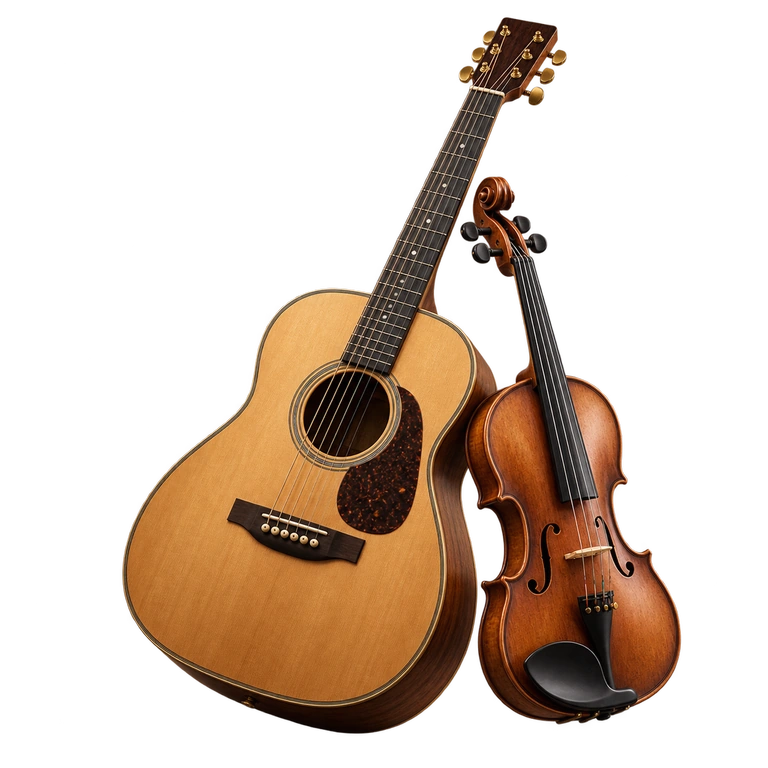
Strings
Guitar, violin, cello & more.
05 INSTRUMENTS
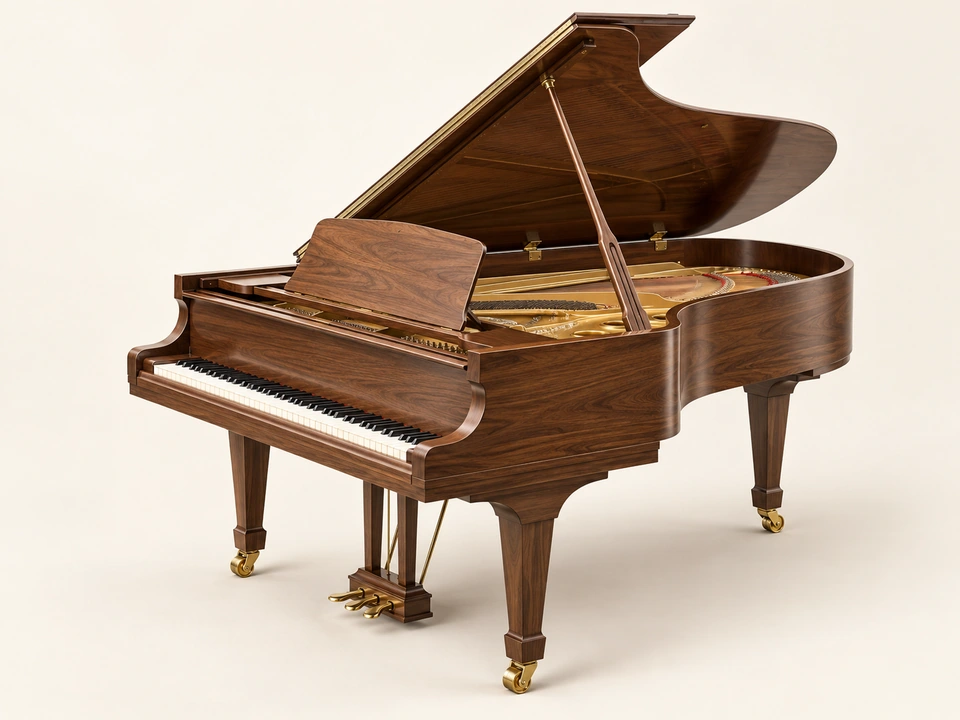
Keys
Piano, organ, accordion & more.
05 INSTRUMENTS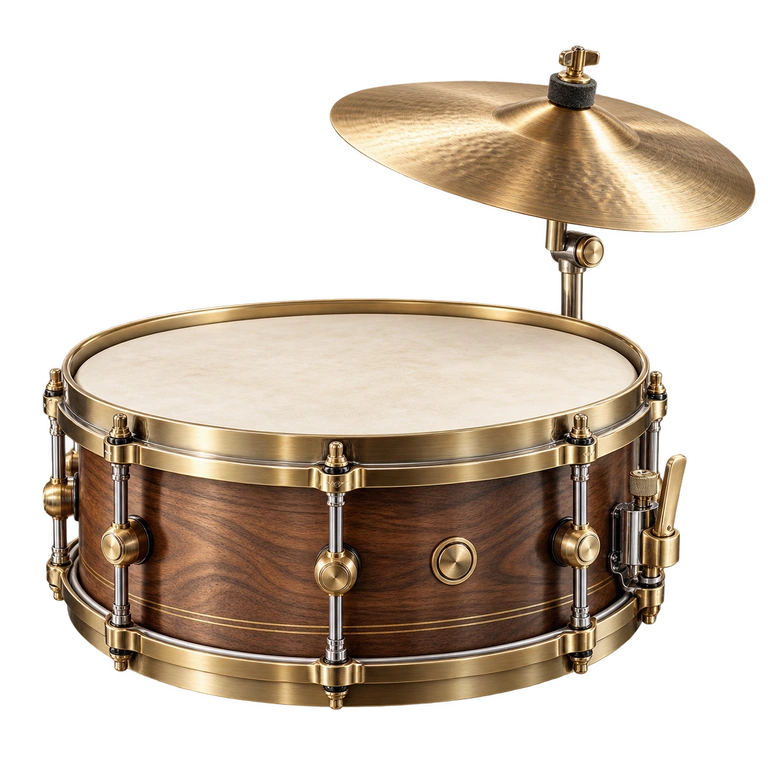
Percussion
Drums, tabla, dhol & more.
07 INSTRUMENTS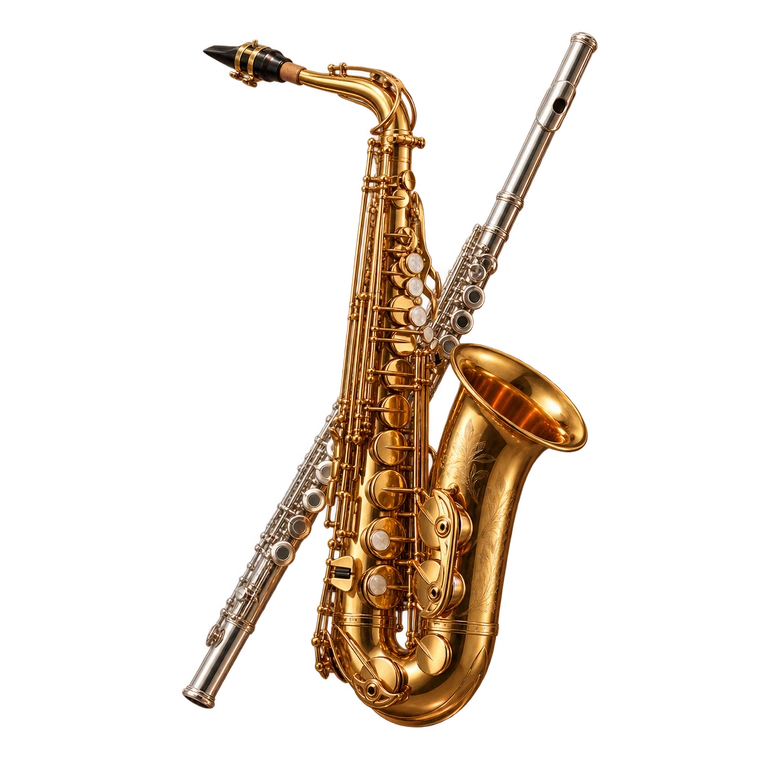
Winds
Flute, saxophone, trumpet & more.
04 INSTRUMENTS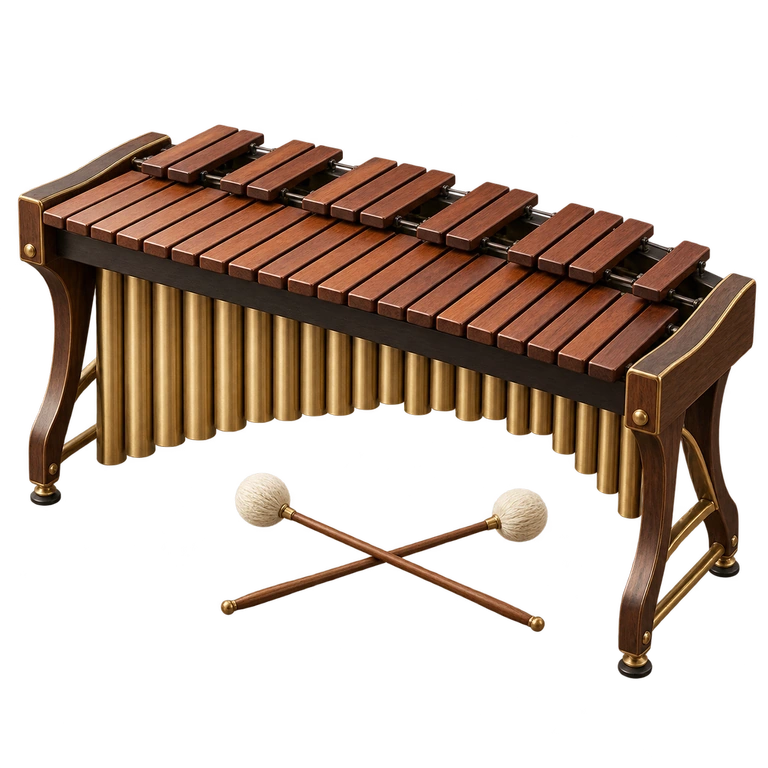
Mallets
Marimba, kalimba, vibraphone & more.
01 INSTRUMENT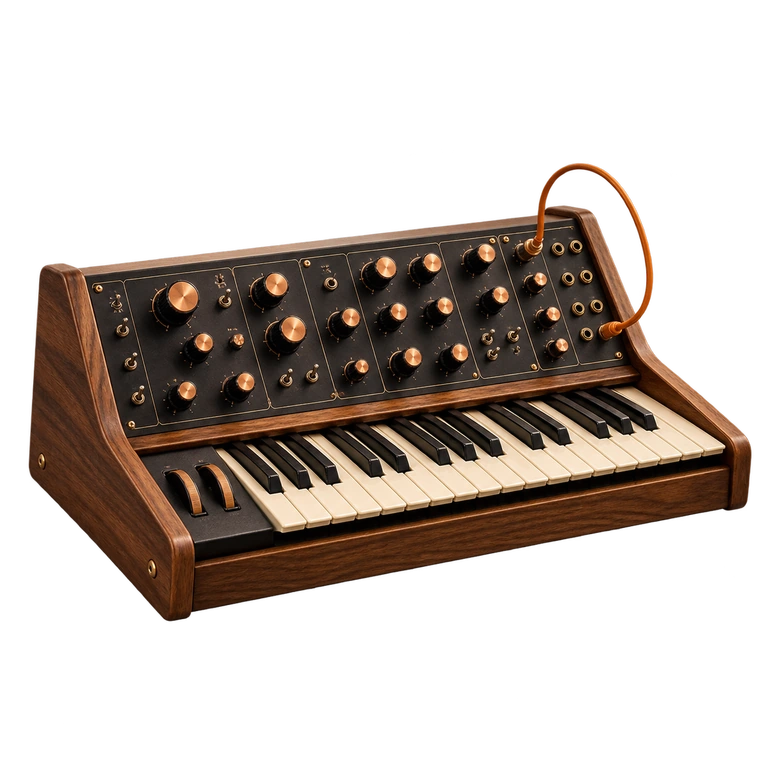
Electronic
Explore the synthesizer.
A few useful notes.
Guide updated
What is Resonant?
Resonant is AppsOverFlow’s free browser music studio with 30 playable instruments across 6 musical families. Play with keyboard, mouse or touch; record takes, build loops, arrange notes and audio in Tune Editor, mix two decks in DJ Machine, or sing with local backing tracks in Karaoke. No account is required.
Which instrument families can I explore?
Explore 30 instruments in 6 families: Strings, Keys, Electronic, Mallets, Percussion, Winds. Open Instruments to browse the collection or search for a name, then choose an instrument to enter its playing room.
Is Resonant free to play?
Yes. All 30 instruments and the preset melodies are free, with no account required.
Can I play on a phone or with a keyboard?
Yes. Resonant runs in a current browser on phones, tablets and computers with JavaScript and Web Audio support. In 3D Play mode, tap or sweep across playing surfaces; choose Rotate to inspect the model and pinch to zoom. Computer keys, labeled note controls and Classic view support chords and multi-touch. Recording, MIDI and video features depend on browser support; microphone features require permission.
Can I record and export what I play?
Yes. Press Record above the instrument to capture the studio audio from any instrument, including preset melodies. Stop, open Recordings to preview the take, then export a WAV file or the browser’s original audio format. Each take can be up to five minutes long. Finished takes save on this device when browser storage is available. Open Recordings to rename, delete, or restore the last deleted take. Download a backup: clearing browser storage removes local takes. The library holds up to 150 MB.
Where are my recordings and arrangements saved?
Recordings, editable arrangements and practice progress stay in this browser on this device when storage is available. Audio processing is local. Download backups before clearing browser storage. Share your session copies an invitation to the public studio; the link does not contain your audio or saved work.
Can I learn and practise here?
Open Learn & create for guided lessons with illuminated notes, adjustable speed, timing feedback, and tabla cycles. Practice includes chords and scales, a tuner, tap tempo, ear training, MIDI input in supported browsers, and local progress. Keep the beat adds a 40–200 BPM metronome; its click is excluded from recordings.
Does Resonant need an internet connection?
Yes. Resonant requires an internet connection to open the studio and load instruments, sounds, and other resources. A home-screen shortcut also needs a connection. Saved recordings, arrangements, and preferences remain on this device; download backups before clearing browser storage.